Never share your passwords, PINs, OTPs (One-Time Passwords), or security details with anyone. The Bank will never ask for such information via email, phone, or messages.
Always access our website or mobile application through official channels. Avoid using public or shared devices for financial transactions.
Be cautious of fraudulent emails, messages, or calls claiming to be from the Bank. Do not click on suspicious links or download unknown attachments.
Create strong and unique passwords using a combination of letters, numbers, and special characters. Change your passwords regularly.
Always log out after completing your session, especially when using shared or public computers.
Regularly check your account statements and transaction history. Report any unauthorized activity immediately to the Bank.
Ensure your devices are protected with updated antivirus software and security patches.
If you suspect any unauthorized access or fraudulent activity, please contact our customer support immediately.
While the Bank takes all reasonable steps to ensure the security of its systems, customers are also responsible for maintaining the confidentiality of their account information.
Publications
Official publicationsFor current account or product terms, speak with your branch.
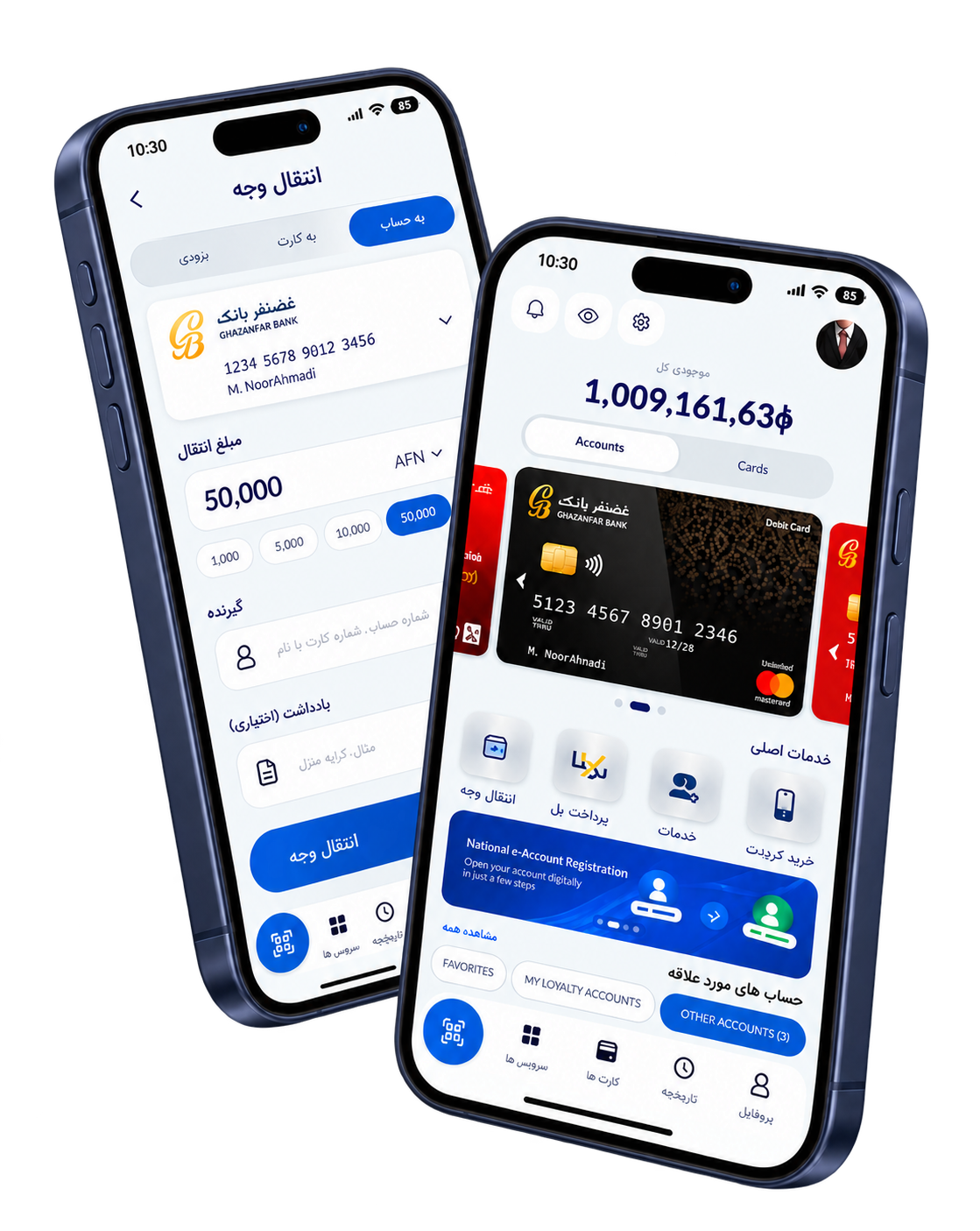
Islamic mobile banking app
Experience secure and convenient banking at your fingertips. Manage your accounts, transfer funds, and access Shariah-compliant services anytime, anywhere.